Google 推出 5 款免費的中文網頁字型
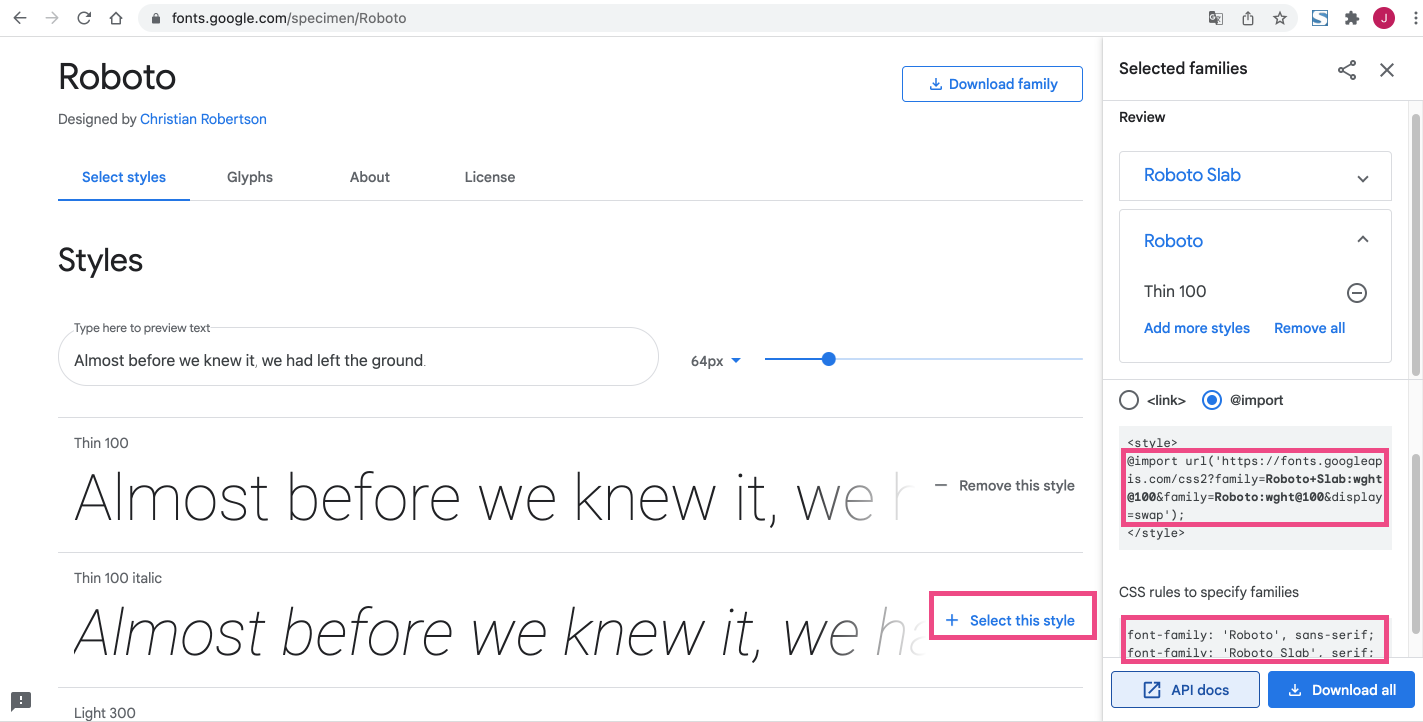
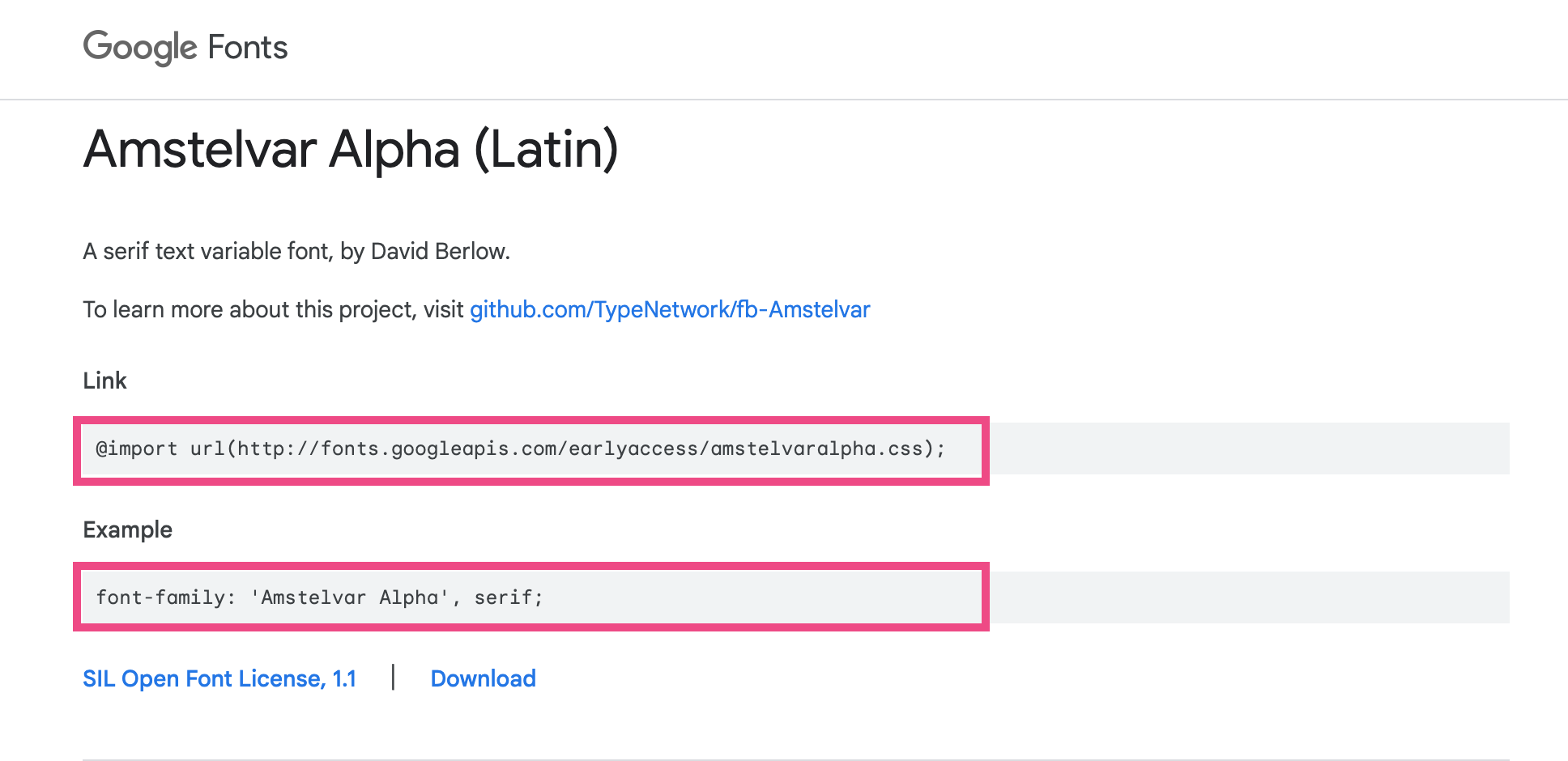
- cwTeXKai (Chinese Traditional) 楷體字體 @import url(https://fonts.googleapis.com/earlyaccess/cwtexkai.css);
- cwTeXYen (Chinese Traditional) 圓體字體 @import url(https://fonts.googleapis.com/earlyaccess/cwtexyen.css);
- cwTeXFangSong (Chinese Traditional) 仿宋體字體 @import url(https://fonts.googleapis.com/earlyaccess/cwtexfangsong.css);
- Noto Sans TC (Chinese Traditional) 黑體字體(思源黑體) @import url(https://fonts.googleapis.com/earlyaccess/notosanstc.css);
- cwTeXMing (Chinese Traditional) 思源明體 @import url(https://fonts.googleapis.com/earlyaccess/notoserifttc.css);
font-family: "cwTeXKai", serif;
font-family: "cwTeXYen", sans-serif;
font-family: "cwTeXFangSong", serif;
font-family:"Noto Sans TC", sans-serif;
"font-family:"Noto Serif TC", sans-serif;
雲端字體下載網址:https://fonts.google.com/earlyaccess
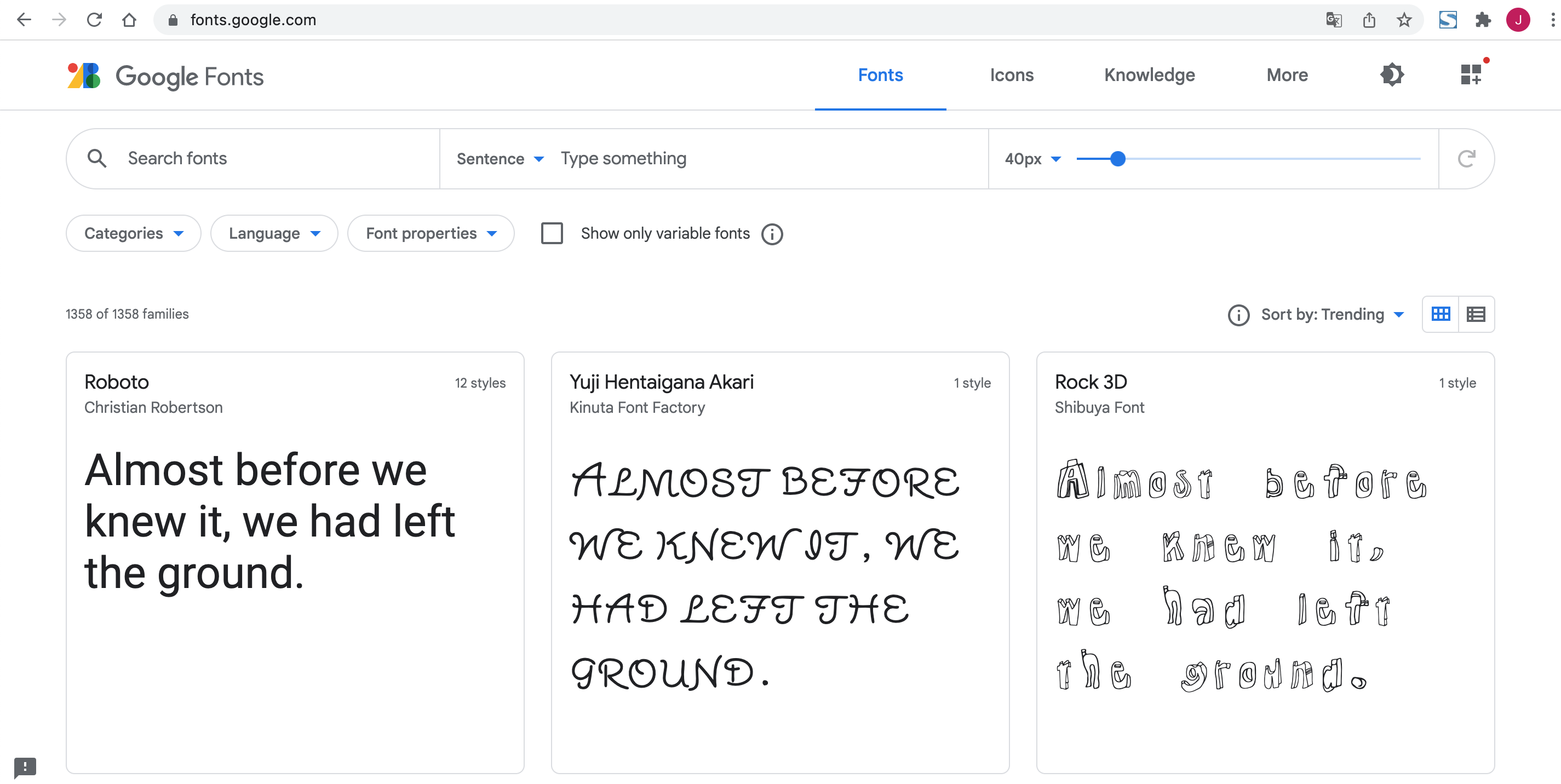
目前可以在網頁上使用這些中文網路字型。以下為大家介紹如何使用這些 Google 推出的中文網路字型。
使用英文字體的方式也一樣,選擇喜歡的字體,試試看效果如何。